
Skip to content
Top 4 Picks
Four picks. One of them is yours.

Canva review

The default answer, on a licence charged per design rather than per subscription.

ARecommended

The verdict

The best tool in the category and the one whose licence most needs reading before you scale up.

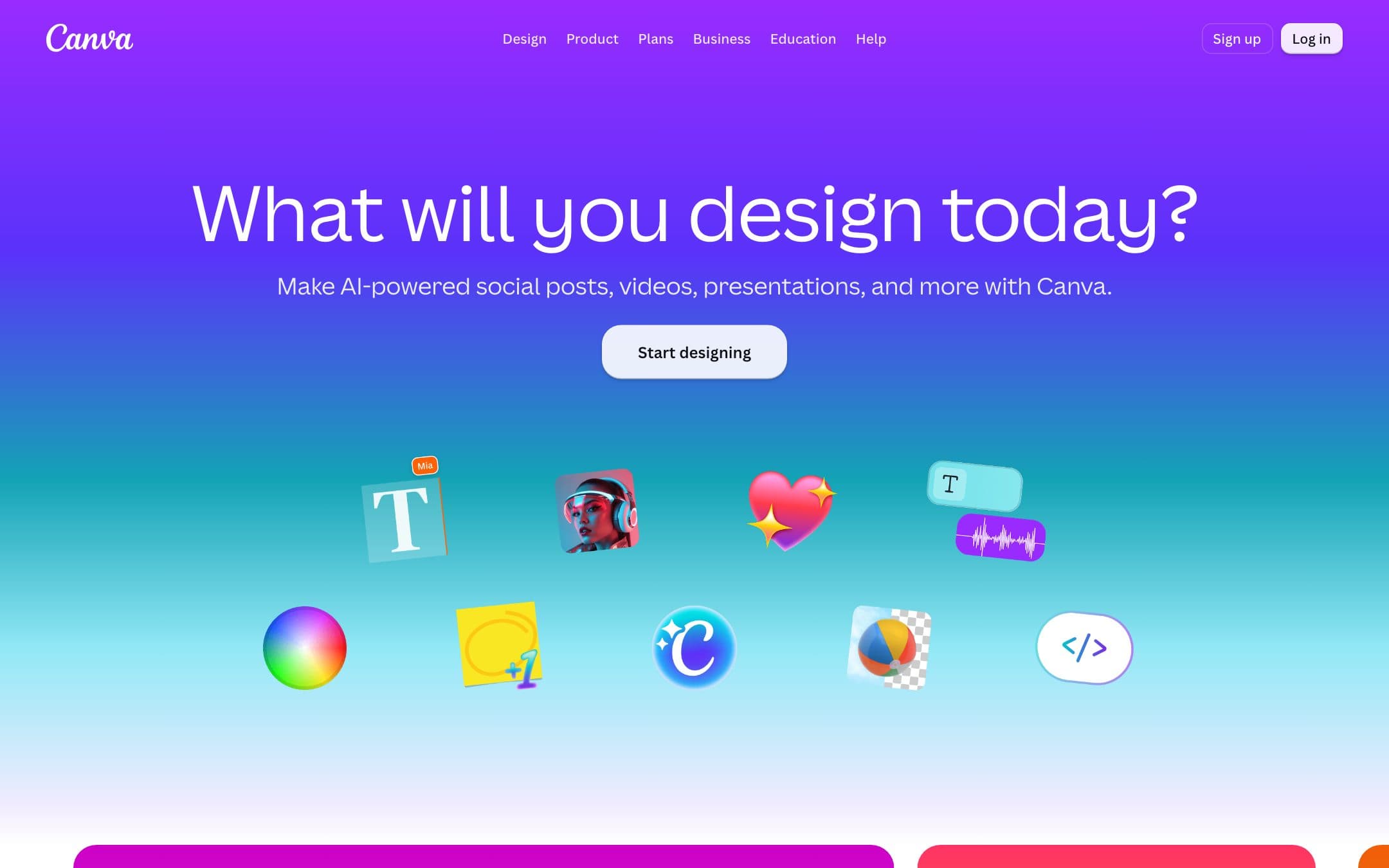
Canva homepage with the headline "What will you design today?"
The Canva homepage as it looked on 1 September 2026.

How the 8.6 is built

Score breakdown for canva, criteria set Software and apps
CriterionWeightScore
Capability

The broadest template tool here by a wide margin, covering print, social, video, presentations, documents and web, with an AI layer that is useful rather than bolted on.

30%9.0
Usability

The reason it won the category: the shallowest learning curve in the set for somebody who has never designed anything, on the widest range of output types, and no rival in this comparison scores near it here. We did not test the editors, so this is a judgement on documented scope and interface design rather than a measured time to first design.

20%9.5
Value

A hundred and eighty dollars for twelve months is mid-table here, and the per-design content licence means the subscription is not the whole cost for anyone publishing at volume.

20%8.0
Integrations

A large app market plus direct publishing to the main social platforms and a desktop client, which most of this set does not have.

10%8.5
Support

A deep help centre, chat on paid plans and an enormous community, with the notable gap that the article on what happens to a downgraded account was not reachable.

10%8.0
Trust

The clearest and most complete licence documentation in this comparison, which is also how we know about the per-design terms, set against silence on what a voluntary downgrade does to your work.

10%7.5
Weighted total100%8.6

Pros and cons

What works

  • The highest usability score here for somebody who has never designed anything
  • The free plan is commercially licensed and unwatermarked for Free Content
  • The most complete licence documentation of the seven
  • Desktop apps for macOS and Windows

What does not

  • Premium content is licensed per design, and a Magic Resize starts a new licence
  • Content cannot be used in a logo, a trademark or a business name
  • Standalone use of content on print-on-demand merchandise is prohibited
  • Nothing published about what a voluntary downgrade does to your designs

What Canva costs

From $15 per month · free tier available

Canva pricing tiers
PlanMonthlyAnnual, per monthWhat you get
Pro1 personNot published$15$180 for twelve months, the figure this comparison uses · Removes the watermark across the premium library · Each use of a premium element is a separate licence, including after a Magic Resize
BusinessPer person, team planNot published$21$250 per person for twelve months · Team controls and brand management · The same per-design content licence applies
Free1 person$0Commercially licensed for Free Content, with no watermark on it · Premium elements are watermarked until bought individually or unlocked with Pro · 1 Brand Kit, 5 GB storage, up to 200 standard or 20 premium AI uses

The pricing page publishes the annual rate and we could not retrieve a separate monthly-billing figure, so this page quotes the year: $180 for Pro, $250 per person for Business. What actually decides the cost is the content licence rather than the plan. Canva Free is already commercially licensed for Free Content and puts no watermark on it, which most comparisons get backwards. What Pro buys is the premium library, and there the licence is granted per design: "Each Pro Content License allows you to use the Content in one Canva Design, so you must pay to obtain a new license each time you wish to use the same piece of Content in a new Design (including a Design that has been Magic Resized)." A subscription is a payment method for individual licences rather than a buffet, and resizing a design for a second channel starts a new one.

Key specs

Canva key specifications
Mobile app
Support channelsHelp centre, Chat on paid plans
Commercial use on free planYes, for Free Content, under the content licence
Watermark on free exportsOn premium elements only, not on Free Content
Cheapest qualifying planFree for Free Content, Pro at $180 a year for the premium library
Stock licenceOne Design Use: a fresh licence for every design, including a Magic Resize
Usable in a logo or trademarkProhibited for content, fonts excepted
Merchandise and print on demandPermitted in a design, prohibited for content on a standalone basis in print on demand
Rights in AI outputYou own the output except where it incorporates licensed content, and may use it for any lawful purpose
AI creditsUsage limits rather than a hard credit count, with top-ups available
What happens when you stop payingNot documented for a voluntary downgrade. The licence covers termination for breach, where all rights are lost
Desktop appmacOS and Windows, with no offline claim on the vendor page

Who it is for

Best for

  • Anyone making a small number of designs across many formats
  • Teams where the people designing are not designers

Not for

  • High-volume publishing on premium assets, where the per-design licence adds up
  • Logo work, which the licence excludes

In more detail

Why it won the category

Canva takes the highest usability score in our comparison by a margin that nothing else comes near, on the widest range of output types in the set: print, social, video, presentations and documents. We did not use these tools, so that is a judgement on documented scope and interface design rather than a stopwatch, and it is the entire argument for the pick.

It scores 8.6 under how we rate, the highest here, and it is our Best Overall pick.

Everything below is the reading you should do before you scale up, and none of it changes the pick.

What Pro actually buys

Pro is $180 for twelve months for one person. Business is $250 per person. Canva publishes the annual rate and we could not retrieve a separate monthly figure, so those are the numbers this page uses.

Now the part that matters more than the price. A Canva Pro subscription is not unlimited access to the premium library. It is a way of paying for individual licences, and the licence agreement says so:

"Each Pro Content License allows you to use the Content in one Canva Design, so you must pay to obtain a new license each time you wish to use the same piece of Content in a new Design (including a Design that has been Magic Resized)."

Read the parenthesis twice. Resize a design for a second channel and that is a new design, which is a new licence. For somebody making a poster a month this is invisible. For somebody producing a campaign across six formats it is the actual cost of the tool, and Canva's own pricing page does not mention it.

The free plan is better than people think

The received wisdom is that Canva Free is a trial you cannot publish from. That is wrong in both directions.

Free Content is commercially licensed. The agreement permits use in "invitations, advertising and promotional projects... for promotion and/or resale, without any reproduction quantity limit". Free Content can also be reused across designs without a new licence, downloaded standalone, and used in templates intended for resale. All of which Pro Content cannot.

The watermark attaches to premium elements only. Use a free photo, a free icon and a free font and what comes out has nothing on it.

So the honest description of the free plan is not a trial. It is a smaller library with broader rights attached, and for a lot of people it is the correct plan.

Logos, merchandise and the things you cannot do

Three restrictions worth knowing, all from the licence rather than from marketing.

No logos. Content may not be used as part of a trademark or business name, with fonts excepted. VistaCreate and Visme carry the same restriction and none of the others address it. If you came here to make a logo, you can draw one and you cannot build it out of Canva's library.

No standalone content on print-on-demand. Using content on a standalone basis on mugs, t-shirts, posters and similar is prohibited. A design that happens to be printed on a shirt is fine. Selling the stock illustration on a shirt is not.

No machine learning use. Content may not be used "for any machine learning and/or artificial intelligence purposes".

Canva also warns that where a design mixes content categories, "the most restrictive category applies to the entire design", so one Branded Content element makes the whole thing personal use only.

On AI, Canva is generous and clear: "You own your Output, except for any Output that modifies or incorporates Licensed Content", and you may use it for any lawful purpose.

Who should buy it

Start on the free plan and stay there longer than you think. It is commercially licensed, it does not watermark Free Content, and the upgrade should be a decision rather than a default.

Move to Pro at $180 when you find yourself wanting the premium library, and when you do, count how many designs you will use each element in, because that is the number the licence charges on.

Two reasons to look elsewhere. If cost is the deciding factor, Adobe Express is cheaper with a much larger asset library. If you are making reports and charts rather than pictures, Visme does that properly and Canva does not.

Prices, licence terms and watermark behaviour on this page were read from the vendor pricing page, content licence agreement, AI product terms and help centre on . We did not test the products in this comparison.
Alternatives to Canva

Where Canva appears

Canva questions

How much is Canva?
Pro is $180 for twelve months for one person and Business is $250 per person. The free plan is genuinely free and, importantly, commercially licensed for Free Content. Verified on 30 August 2026.
Can I use Canva commercially on the free plan?
Yes, for Free Content. The content licence permits commercial use including promotion and resale with no reproduction limit. What the free plan does not give you is the premium library, whose elements carry a watermark until you buy them individually or subscribe.
Does a Canva Pro subscription cover unlimited use of premium elements?
No, and this is the most misunderstood term in the category. The licence grants one design per element: "you must pay to obtain a new license each time you wish to use the same piece of Content in a new Design (including a Design that has been Magic Resized)". Resizing for a second channel is a new design.
Can I make a logo in Canva?
You can draw one, and the licence will not let you use Canva content in it. Content may not be used as part of a trademark or business name, with fonts excepted. VistaCreate and Visme carry the same restriction.

Ready to try Canva?

The default answer, on a licence charged per design rather than per subscription.

Sources