

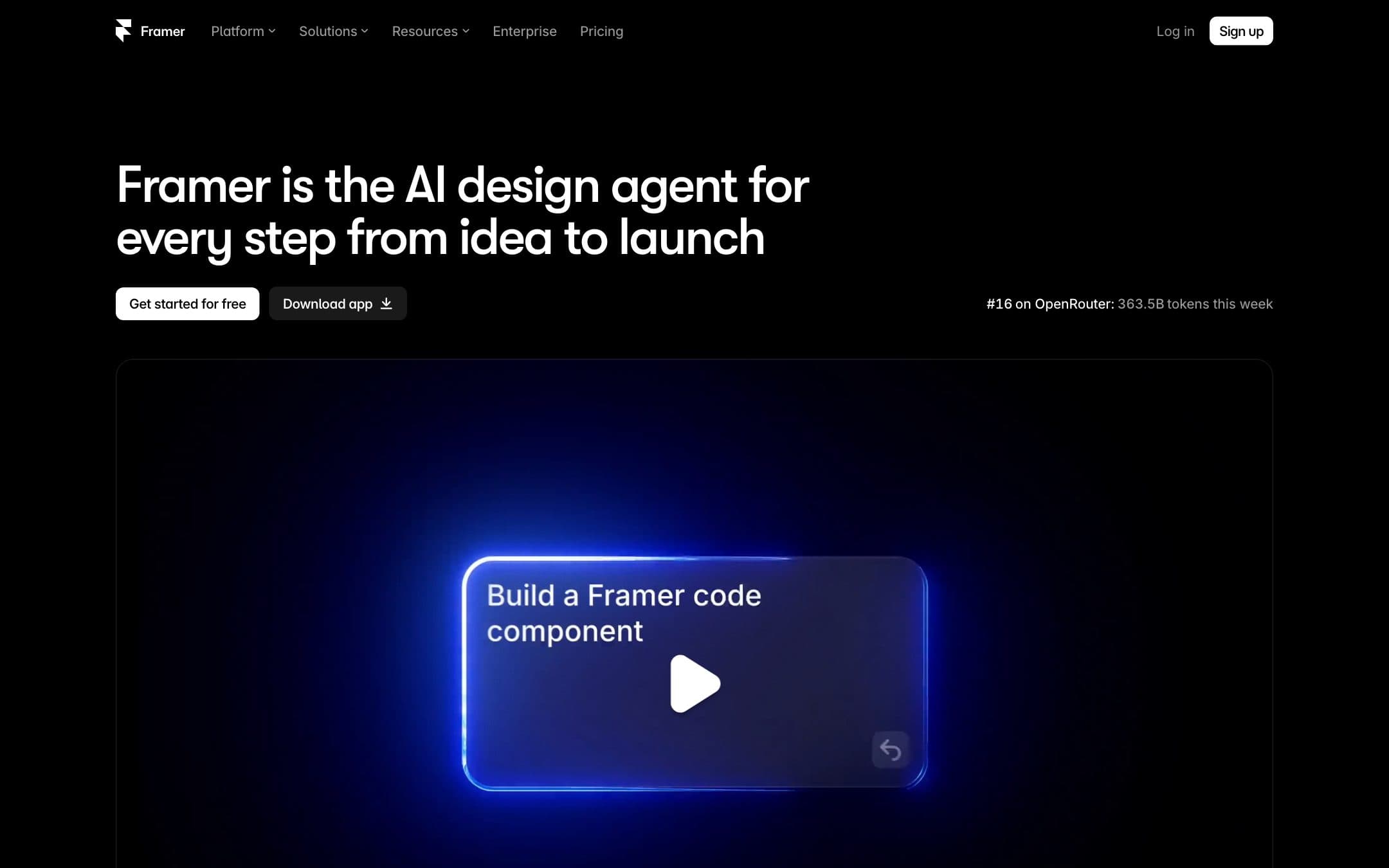
A design tool that happens to publish
Framer did not start as a website builder and it still does not behave like one. There is no template you fill in. There is a canvas, and it works the way Figma works, and what comes out the other end is a published site.
That is either exactly what you want or completely wrong for you, and there is not much middle ground. It scores 7.7 under how we rate in our comparison, and it holds the free-plan role because its free tier is the least compromised of the four on offer.
What twelve months costs, and what sits outside it
Basic is $10 a month billed yearly, or $120 for the year, with a free .com included on yearly billing. That is the second cheapest qualifying year on the page, behind WordPress.com at $48. Pro is $360.
Two things sit outside that figure and both can double it.
Editors are billed per seat. The plan covers the site, not the people. Add a colleague who needs to change copy and you are paying again, every month, per person. For one designer this is invisible. For a team of three it changes the answer completely.
AI features run on credits. Every plan carries a monthly allowance shared across the workspace, and agents and localisation spend it. So the cost of the plan and the cost of using the plan are two different numbers, which is not true of anything else in this comparison.
The Framer free plan, which is the most generous here
Every free plan on this page is a demo. Framer's is the demo we would pick.
You get up to three editors on a framer.website subdomain, and Framer publishes generous project limits for it: 10 CMS collections, 1,000 pages, 5 MB file uploads and one locale. Those are limits on what you can design rather than on what you can publish, which is why they read as larger than the 30 pages and 2 collections on paid Basic. It is not a bigger plan, it is a different measurement.
A Made in Framer badge sits on free sites until you connect a custom domain or upgrade, which Framer states plainly, so this is not the ad-free tier we first took it for. There is also no custom domain, so it does not meet our anchor and it is not a website. What it is, is the most complete way in this category to find out whether a tool suits you before paying, and Framer says openly that it is meant for non-commercial use rather than implying otherwise.
Thirty pages, and where that stops
Basic carries 30 pages, 2 CMS collections and 50 GB of bandwidth.
For a marketing site, a portfolio or a product launch that is comfortable. For anything with a real content operation behind it, two collections runs out fast, and the step up to Pro triples the bill before a single add-on. This is a platform for small, good-looking sites rather than for big ones, and the pricing tells you so if you read the limits rather than the headline.
The output is the best argument for it. A design tool emits markup where a builder assembles widgets, and the pages Framer publishes are lighter than anything the template engines here produce, delivered from a twenty location network. We did not measure that and we will not publish a number for it: the claim rests on how the tool is built rather than on a stopwatch, and it is one you can check yourself on any Framer site.
The price you may not be able to read
Framer renders the currency of the country it detects, with no reference figure. Read from central Europe it quotes koruna.
Squarespace does the same thing, and the reason that entity carries no price on this site while Framer does is narrow: fetching the Framer pricing page from a United States address resolves it cleanly to dollars, and the Squarespace page draws its numbers client side and resolves to nothing. Neither of them does what Wix does, which is print a dollar reference under the local price so that anybody can compare.
Framer or Webflow
The comparison almost everybody arrives with, and it comes down to two things.
Webflow has a real CMS, staging, branching and a team workflow, and it is the only platform in this comparison that will hand you the front end of your site if you leave, on a workspace plan bought separately. Framer has none of that and does not pretend to.
Framer gets you from an idea to a published page faster than anything else here, produces lighter output, and costs $120 against Webflow's $180 before a workspace plan is added.
One designer building a marketing site: Framer. An agency building for clients who may want the code: Webflow. If you are choosing for a team, count the editors first, because Framer bills per seat and that is where the two prices actually diverge.
Who should buy it
Try the free plan before deciding anything. It is the most complete free tier on this page and an hour on the canvas will tell you whether Framer suits you more reliably than this review can.
If it does, $120 with a domain included is excellent money for one person building a marketing site or a portfolio. If it does not, you will know quickly, and Wix and Squarespace are built for picking a template and filling it in.
Two things to price before committing: the editors, because they are billed per seat and that is where a small team's bill doubles, and the absence of any export, which means the site stays here.
Prices, plan limits and the free plan terms on this page were read from the vendor pricing page on .


