
Skip to content
Top 4 Picks
Four picks. One of them is yours.

WordPress.com review

The cheapest twelve months here, and plugins now work on every paid plan.

ARecommended

The verdict

The cheapest honest year in the category, bought with a harder editor than anything else here.

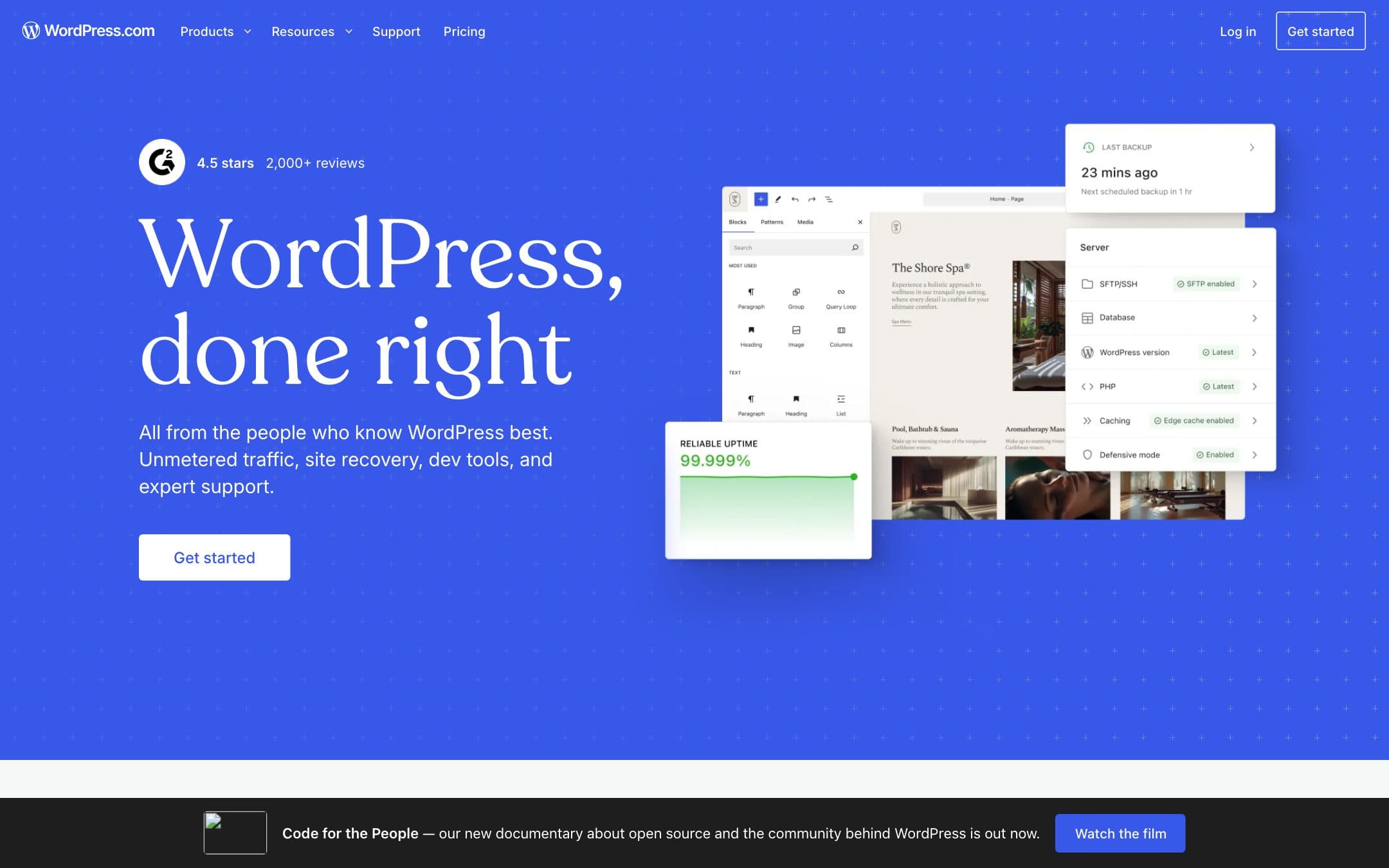
WordPress.com homepage with the headline "WordPress, done right"
The WordPress.com homepage as it looked on 1 September 2026.

How the 8.2 is built

Score breakdown for wordpress-com, criteria set Platforms and hosting
CriterionWeightScore
Performance

Automattic hosting is fast and dependable at the scale a small site works at, and the platform publishes no uptime figure for the lower tiers, which is the reason this is not higher.

25%8.0
Usability

The weakest editor here by some distance: the block editor asks more of a beginner than any drag-and-drop builder on this page, and rewards the patience with far more control.

20%6.5
Value

Forty eight dollars for twelve months with a domain, no advertising and third-party plugins is not merely the cheapest real year in this comparison, it is less than half the next one, and the plugin change adds a few hundred dollars more to the gap than most guides think.

20%9.5
Scalability

The only platform here you can leave without rebuilding, because the content and the software are both portable to self-hosted WordPress at any point, and second on this criterion only to Shopify, which scales in a different direction entirely.

15%9.0
Support

Documentation is enormous and the community is larger than every other platform here combined, while direct support on the lower plans is slower than Wix or Squarespace.

10%7.0
Ecosystem

The largest theme and plugin ecosystem in existence by a wide margin, and now reachable from the cheapest paid plan rather than from the $300 one.

10%9.5
Weighted total100%8.2

Pros and cons

What works

  • Forty eight dollars for twelve months with a domain and no advertising, less than half the next cheapest
  • Third-party plugins on every paid plan, including the $48 one
  • Content and software both portable to self-hosted WordPress
  • The largest theme and plugin ecosystem of any platform in this comparison

What does not

  • The block editor is harder to learn than any drag-and-drop builder here
  • The free plan shows WordPress.com advertising to your visitors
  • SFTP and database access still require the Business plan at $300 a year
  • No published uptime guarantee on the lower plans

What WordPress.com costs

From $4 per month · free tier available

WordPress.com pricing tiers
PlanMonthlyAnnual, per monthWhat you get
Personal1 site, unlimited users$9$4$48 for twelve months, by a wide margin the cheapest qualifying year in this comparison · Free custom domain for year one and no visitor advertising · Third-party plugins installable, which used to require the Business plan
Premium1 site, unlimited users$18$8$96 for twelve months · Every premium theme, premium stats, payment buttons and video hosting · 13 GB storage against 6 GB on Personal
Business1 site, unlimited users$40$25$300 for twelve months · SFTP, SSH, WP-CLI, Git and GitHub deployments · The tier most guides still say you need for plugins
Commerce1 site, unlimited users$70$45$540 for twelve months · WooCommerce, 60+ countries and 135+ currencies · Priced against Shopify rather than against a builder
Free1 site$0A wordpress.com subdomain, not your own domain · WordPress.com advertising shown to your visitors · 1 GB storage, and no plugins

The cheapest twelve months of any platform in this comparison that meets our anchor, at $48 for the Personal plan billed yearly, including a free custom domain for the first year and no advertising shown to visitors. Read the billing toggle carefully, because the same plan carries four different rates: Personal is $9 a month billed monthly, $4 billed yearly, $3.25 over two years and $2.75 over three. This page uses the yearly rate throughout. A first-year promotional discount was also running when we checked, below the standing yearly rate, and we anchor on the standing rate rather than the promotion. The important change is the plugin rule. WordPress.com lists plugin installation as a feature of the Personal plan on its own pricing page and answers it directly in the page FAQ, and most comparison pages in this category still tell readers plugins require the Business plan. Storage runs 6 GB on Personal, 13 GB on Premium and 50 GB above. The free plan is a wordpress.com subdomain carrying WordPress.com advertising, with no plugins and 1 GB of storage.

Key specs

WordPress.com key specifications
Uptime guaranteeNot published for the lower plans
Storage6 GB on Personal, 13 GB on Premium, 50 GB above
Custom domain
Code export
App store
Transaction feeNone on the site plans
Own domain fromPersonal, $48 a year
Free domain, year one
Free planYes, subdomain with vendor ads
Vendor branding on free plan
Code export termsFull export of content and, on Business, database and SFTP access
Switch template laterYes, themes swap freely
Renewal price published
USD price readable
TrialNo trial, a free plan instead

Who it is for

Best for

  • Anyone who wants a real site cheaply and does not need drag-and-drop
  • Publishers and bloggers, which is what the platform was built for

Not for

  • Somebody who wants to drag a box and be finished in an afternoon
  • Stores, where Shopify does the job this platform charges $540 for

In more detail

The cheapest real year in the category

A working website means your own domain and no advertising sold against your visitors. Priced that way, WordPress.com Personal is $48 for twelve months, and nothing else in our comparison comes close.

Framer is next at $120, two and a half times the money. Wix is $204. Shopify is $348. Personal includes a free custom domain for the first year and removes the advertising WordPress.com shows on free sites.

Read the billing toggle before you compare anything, because the same plan carries four rates. Personal is $9 a month billed monthly and $4 billed yearly, with two and three year terms cheaper again. Every figure on this site is the yearly rate.

It scores 8.2 under how we rate, the highest of the seven, and it is our Best Value pick rather than our overall one. The reason is in the fourth section.

The plugin rule most guides still get wrong

If you have read anything else about WordPress.com, you have read that plugins require the Business plan. That is $300 a year.

It is no longer true. The WordPress.com pricing page lists "Extend your site with WordPress plugins" as a feature of the Personal plan, and answers the question directly in its own FAQ. So the thing everybody treats as the reason to skip the cheap tiers is available on the $48 one, a difference of about two hundred and fifty dollars a year.

What Business still buys is SFTP and database access, meaning the ability to run your own code and work on the site the way a developer would. That is a real difference and it is not what most people are being sold the plan for.

WordPress.com is not WordPress, and it matters

Two things share a name and confuse everybody.

WordPress is free software. Anyone can download it and run it on any host. WordPress.com is Automattic running that software for you, on a subscription, with the awkward parts handled.

Why this matters more here than anywhere else on the page: it is the only platform in this comparison where outgrowing the product does not mean rebuilding. Export your content, install WordPress somewhere else, and the themes and plugins you were using still work. Wix offers no export at all. Squarespace offers a partial one that leaves the design behind. Webflow sells export as a second subscription and excludes your CMS content from it.

That is why it scores second of the seven on scalability, behind only Shopify, which scales in a completely different direction. Of the platforms here you would actually use to make a website, nothing else comes close, and it is worth more than any feature on this page.

The editor, which is what you are paying with

Now the reason this is not our overall pick.

The block editor is the hardest thing in this comparison for somebody who has never built a website. It is not drag-and-drop. Blocks stack, settings live in panels that change depending on what you selected, and getting a layout to look the way you pictured it takes longer than it does in Wix by a wide margin.

That is a real cost and we are not going to dress it up. If you want to drag a box across a page and be finished by lunchtime, Wix costs more than four times as much and is worth it. If you spend a weekend learning an editor instead, you save over a hundred and fifty dollars a year against Wix and get the largest theme and plugin ecosystem in existence.

The free plan, for completeness, puts you on a wordpress.com subdomain and shows WordPress.com advertising to your visitors. Like every free plan on this page, it is a way to try the editor rather than a way to have a website.

Who should buy it

Buy Personal at $48 if you want a real site cheaply and you are prepared to learn the editor. It is the best money on this page and the plugin change makes it better than most comparisons think.

Buy Business at $300 only if you need SFTP, SSH and Git, which is a developer's requirement and not a plugin one.

This is not a first drag-and-drop builder and it does not try to be. It is also not the place to run a shop: Commerce is $540 and Shopify does that job better for less. What it is, at forty eight dollars, is the most website anybody on this page will sell you for the money, and the only one that will still be yours if you leave.

Prices, plan contents and the plugin availability rule on this page were read from the vendor pricing page and support documentation on .

Alternatives to WordPress.com

Where WordPress.com appears

WordPress.com questions

How much is WordPress.com?
Personal is $4 a month billed yearly, $48 for twelve months, and that is the cheapest plan here that gives you your own domain with no advertising. Premium is $96, Business $300 and Commerce $540 a year at the same rate. Billed monthly the same plans are $9, $18, $40 and $70 a month. Verified on 30 August 2026.
Do I need the Business plan for plugins?
No, and this is the most common outdated claim in the category. WordPress.com states that installing plugins is available on all paid plans, Personal included. Business buys you SFTP and database access, not plugin rights.
Is WordPress.com the same as WordPress?
No. WordPress.com is Automattic hosting the software for you. WordPress itself is free software you can host anywhere, and the reason this platform scores so well on scalability is that you can move from one to the other without rebuilding.
What is wrong with the free plan?
It puts your site on a wordpress.com subdomain and shows WordPress.com advertising to your visitors. That is a way to try the editor rather than a way to have a website, which is true of every free plan in this comparison.

Ready to try WordPress.com?

The cheapest twelve months here, and plugins now work on every paid plan.

Sources