
Skip to content
Top 4 Picks
Four picks. One of them is yours.

ChatGPT review

The default general assistant, sold in eight tiers with limits OpenAI does not publish.

BRecommended with a reservation

The verdict

The most capable general assistant you can buy, with one reservation: on consumer plans your chats train the model unless you turn it off, and no tier tells you in numbers what you are allowed to use.

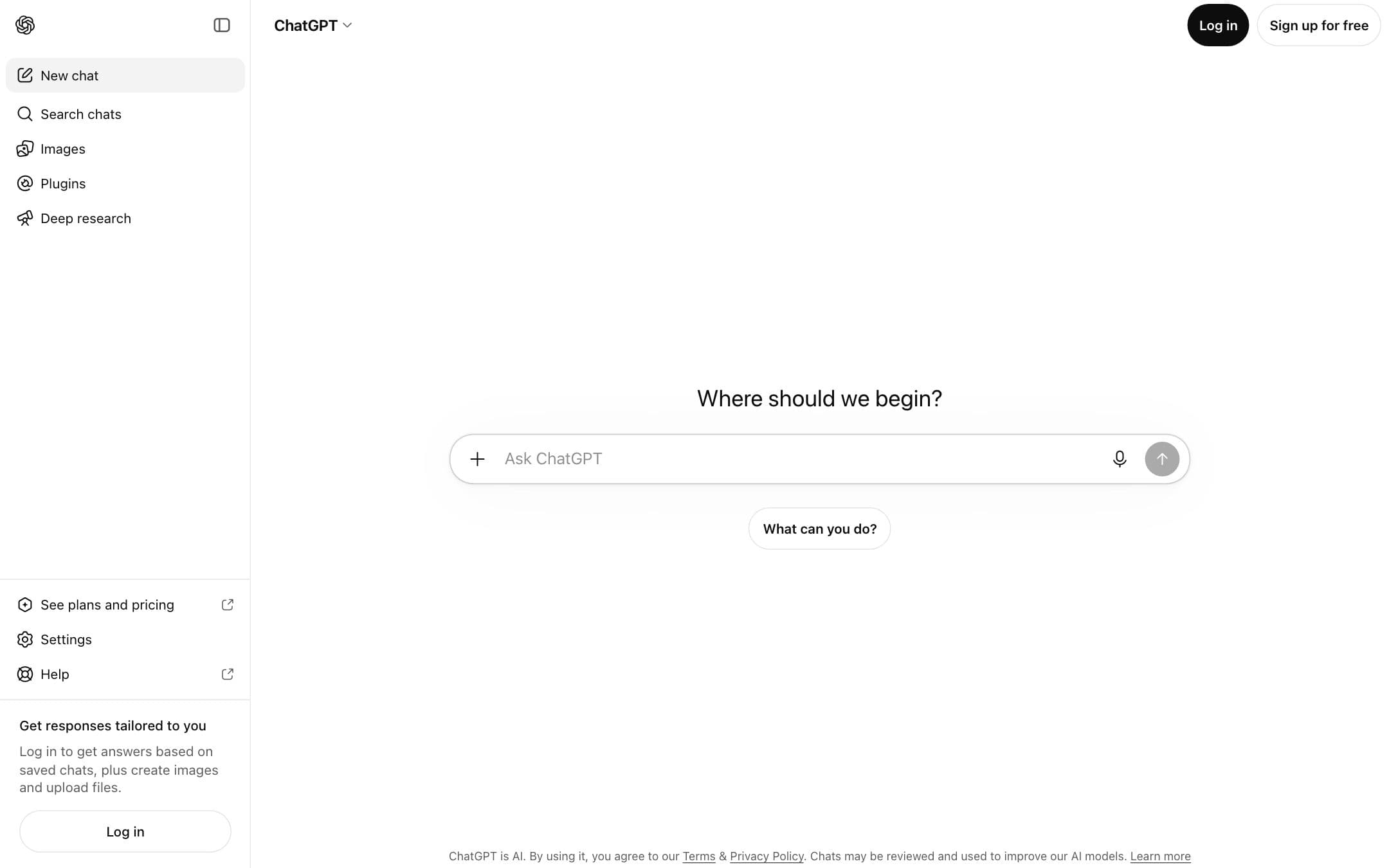
ChatGPT homepage with the headline "Get responses tailored to you"
The ChatGPT homepage as it looked on 1 September 2026.

How the 8.2 is built

Score breakdown for chatgpt, criteria set Software and apps
CriterionWeightScore
Capability

Reasoning models, deep research, agent runs, image creation, Codex and scheduled tasks sit behind one prompt box, and the free tier already reaches most of the surface.

30%9.4
Usability

Nothing to configure before the first useful answer, and projects plus memory carry context between sessions without setup.

20%9.2
Value

A usable free tier and an $8 entry plan, against a $200 top tier whose only stated advantage over the $100 one is usage.

20%8.0
Integrations

Connectors and apps cover the common work tools, but no ChatGPT subscription includes API access, which is billed separately.

10%7.0
Support

Self-service help centre for consumer plans, with priority support, SLAs and custom terms reserved for Enterprise.

10%6.0
Trust

Consumer conversations train the model until you turn that off in Data Controls, and OpenAI publishes no numeric allowance for uploads, image creation or deep research on any plan.

10%6.5
Weighted total100%8.2

Pros and cons

What works

  • The free tier covers unlimited everyday text chats rather than a trial-sized quota
  • Plus at $20 adds reasoning models, projects, scheduled tasks and custom GPTs
  • Pro comes in two sizes, so hitting the Plus ceiling does not force a jump to $200
  • Business seats fall to $20 per user on annual billing and exclude your data from training by default

What does not

  • No plan states a numeric allowance for uploads, image creation, voice or deep research
  • Consumer plans train on your conversations until you switch it off in Data Controls
  • Ads are being tested in the US on Free and Go, the two cheapest plans
  • No ChatGPT subscription includes API access, which is billed separately

What ChatGPT costs

From $8 per month · free tier available

ChatGPT pricing tiers
PlanMonthlyAnnual, per monthWhat you get
FreeOne person$0Unlimited everyday text chats on GPT-5.6 Luna, subject to abuse-prevention safeguards · Separate unpublished limits on uploads, image creation, voice and deep research · Ads being tested in the US
GoOne person$810x more messages, uploads and image creation than Free · Longer memory and context window · No Sol reasoning models and no legacy models
PlusOne person$20GPT-5.6 Sol at Medium and High reasoning · Projects, scheduled tasks and custom GPTs · Expanded deep research and Codex usage · No annual billing option
Pro 5xOne person$1005x the usage allowance of Plus · All reasoning levels including Pro
Pro 20xOne person$20020x the usage allowance of Plus · Maximum memory, context and deep research
Business standard seatPer user, teams of 2 to 200$25$20Admin console, SAML SSO and SOC 2 Type 2 · No training on business data by default · 10 to 100 GPT-5.6 Sol messages per 5-hour window
Business premium seatPer user, teams of 2 to 200$125$1005x the standard seat allowance · No 5-hour window on Sol messages
EnterpriseQuote onlyNot publishedCredit-based or token-based pricing · SCIM, role-based access, IP allowlisting, data residency in ten regions · 24/7 priority support, SLAs and custom legal terms

Two Pro tiers exist at $100 and $200 per month and differ only in usage allowance. Business is billed per seat, cheaper on annual billing, and capped at 200 users before Enterprise. Go pricing is localised outside the US.

Key specs

ChatGPT key specifications
PlatformsWeb, iOS, Android, macOS, Windows
API access
Team features
SOC 2
Mobile app
Uptime SLAEnterprise plans only

Who it is for

Best for

  • Anyone who wants one assistant for writing, analysis, code and research rather than four tools
  • Small teams that need admin controls and data kept out of training at $20 per seat annually

Not for

  • Teams that need one brand voice held across a long content series
  • Anyone who has to forecast monthly capacity from published limits

In more detail

Six plans, and only two of the jumps are about capability

Almost nobody arrives at a ChatGPT review to decide whether to try it. The decision is which plan to pay for, and the ladder now has six rungs: free, Go at $8 per month, Plus at twenty dollars, two Pro tiers at one hundred and two hundred, then Business seats.

Only two of those steps buy new capability. Free to Go buys volume, nothing else. Go to Plus is the real upgrade, because it is where the Sol reasoning models, projects, scheduled tasks and custom GPTs begin. Plus to Pro buys allowance, not features. Pro to Business buys administration.

So the question for most readers is narrow. If you use ChatGPT for everyday text and the occasional image, Go covers it for eight dollars. If you use it to think through work, Plus is the plan, and the twelve dollar difference is the whole reasoning stack.

The Pro tier nobody mentions

Every other review of this product describes Pro as a two hundred dollar plan. There are two Pro tiers. The cheaper one is one hundred dollars a month and unlocks five times the usage of Plus. The two hundred dollar tier unlocks twenty times. Same models, same reasoning levels, different ceilings.

That matters because the usual moment of decision is hitting a wall on Plus during a heavy week. The choice at that point is not a tenfold increase in spend. It is a five times allowance for double the Plus price, which is a much easier thing to justify and much easier to reverse.

The limits are real and OpenAI does not publish them

Here is the thing to plan around. Message allowances for file uploads, image creation, voice and deep research are described in the help centre as varying by plan, and no plan states a number. The free tier says unlimited everyday text chats subject to abuse prevention. Everything else is "expanded", "more" or "maximum".

You cannot forecast capacity from the published limits

We compared the vendor documentation and the pricing page rather than running metered usage tests. The gaps below are gaps in what OpenAI publishes, not gaps in our testing: outside the Business plan, where standard seats are documented at ten to one hundred Sol messages per five hour window, no tier states a numeric allowance.

That is a specific, checkable criticism, and it is the main reason this page does not score higher on trust. It also explains why the score sits where it does under how we rate: the capability is close to the top of the scale, and the reservations are commercial rather than technical.

Who owns what you type

On consumer plans, conversations are used to train the model by default. You turn that off under Settings, Data Controls, in the setting called "Improve the model for everyone", and your history stays intact. Temporary chats are deleted from OpenAI systems after thirty days and are never used for training.

Business and Enterprise are the other way round: business data is excluded from training by default, with SAML single sign on, an admin console and SOC 2 Type 2 behind it.

The practical reading is simple. A default that has to be switched off is a default most people never switch off, so if the work is confidential, the plan matters more than the setting.

Where a team stops paying per person

Two Plus subscriptions cost forty dollars a month and give you no admin console, no shared workspace and training on by default. Two Business seats cost fifty dollars monthly, or forty on annual billing, and give you all three. Above two people the seat plan wins on control before it wins on price, and the cap is two hundred users before the conversation becomes Enterprise.

Where a specialist still beats it

ChatGPT drafts well and holds nothing. That is the limitation that sends teams to a specialist. A brand voice profile that applies across a campaign, which is what Jasper is built around, keeps the twentieth post in a series sounding like the first, and no amount of custom instructions reliably reproduces that. For teams writing marketing copy at volume, Copy.ai does the same job per seat for less money.

If publishing is the actual use case, start from the best AI writing tools for blog posts rather than from here, and read how these tools actually work before paying for any of them. Everything else we score in this category sits under AI tools.

Who should stay free

If your use is everyday text, the free tier is not a trial. It is unlimited text chat on the Luna model, and the ceiling you eventually hit is uploads, images and deep research rather than conversation. Pay when you hit that ceiling, not before, and pay for Plus rather than Go unless the thing you ran out of was volume.

One caveat on Go specifically: OpenAI has said it will test ads in the United States on the free and Go tiers, and that Plus, Pro, Business and Enterprise stay ad free. Eight dollars a month for a plan that may show you ads is a strange middle, and it is the one plan here we would think twice about.

Prices and limits on this page were checked against the vendor pricing page and help centre on .

Alternatives to ChatGPT

Where ChatGPT appears

ChatGPT questions

How much does ChatGPT cost?
Free to use, $8 per month for Go, $20 per month for Plus, and $100 or $200 per month for the two Pro tiers. Business seats are $25 per user per month, or $20 on annual billing, as verified on 29 August 2026.
Is ChatGPT Plus worth it over Go?
Go buys volume, Plus buys capability. Go raises message, upload and image limits but does not include the Sol reasoning models, projects, scheduled tasks or custom GPTs, which is what the extra $12 pays for.
What is the difference between the two Pro tiers?
Usage only. OpenAI states that Pro at $100 unlocks 5x the usage of Plus and Pro at $200 unlocks 20x, with the same models and reasoning levels available on both.
Does OpenAI train on my ChatGPT conversations?
On consumer plans yes, by default. You can turn off "Improve the model for everyone" in Settings, Data Controls. Business and Enterprise plans exclude business data from training by default.

Ready to try ChatGPT?

The default general assistant, sold in eight tiers with limits OpenAI does not publish.

Sources