Still running, on a contract from 2017
Snappa is alive. The site serves, the pricing page has a working billing toggle, the blog published on 19 August 2026 and the copyright line reads 2026. Anyone telling you it has been abandoned has not looked.
What has not moved is the paperwork. The terms and conditions were last updated on 15 February 2017. The help article explaining the difference between the free and Pro plans was last touched in August 2020. A live product resting on a nine year old contract is an odd combination, and it is most of why this scores where it does.
Snappa scores 6.5 under how we rate in our comparison, the lowest of the seven, and it holds the free-plan pick.
The shortest licence in the category
Here is the whole thing, and it is why the free tier wins its role:
"You are authorized to download and share unlimited copies of your designs for your personal or commercial use, provided that you maintain the copyright and other notices contained in that content."
No plan carve-out. The pricing FAQ adds that all photos and graphics are royalty-free, usable commercially and non-commercially, with no attribution required.
There is no separate stock licence document, no one-design-use tier, no extended licence to buy. Not because Snappa is hiding it, but because there is nothing to upsell. Compare that with Canva, where a premium element is licensed one design at a time and a resize starts a new one, or Visme, where the commercial right sits two tiers up.
Four free tiers in this comparison carry a plan-wide commercial licence, and Snappa's is the one with the fewest strings on it. One sentence, one condition, keep the copyright notices, and no plan, content-category or copy-count carve-out. Adobe Express is not in that count: its free tier permits commercial use of generative output specifically, not of the plan. Canva grants it for Free Content only. VistaCreate grants it and then suspends your rights over an unpaid balance and caps you at half a million copies. Desygner grants it over content it federates from Pixabay, Unsplash and OpenClipart "as-is, where-is". Snappa's is one sentence.
No Snappa page says whether free exports are watermarked, in the terms or in the free-versus-Pro help article. That is a gap, not a clean bill of health, and four other vendors here leave the same one.
Three downloads a month
And then the catch, and it is the whole catch.
The free plan caps you at three downloads a month. Not three a day, not three of a premium asset. Three finished images.
For a solo blogger who needs one header a fortnight that is genuinely enough, and it makes Snappa the cheapest legal answer on this page. For anyone doing volume it is a trial with a longer fuse, and the plan to buy is Pro at $120 a year, or $15 a month, which brings unlimited downloads, font uploads, background removal and the Buffer integration.
Team is $240 a year for five users as a flat price rather than per seat, which is decent arithmetic though not VistaCreate decent.
What it does not do
Almost everything the others do.
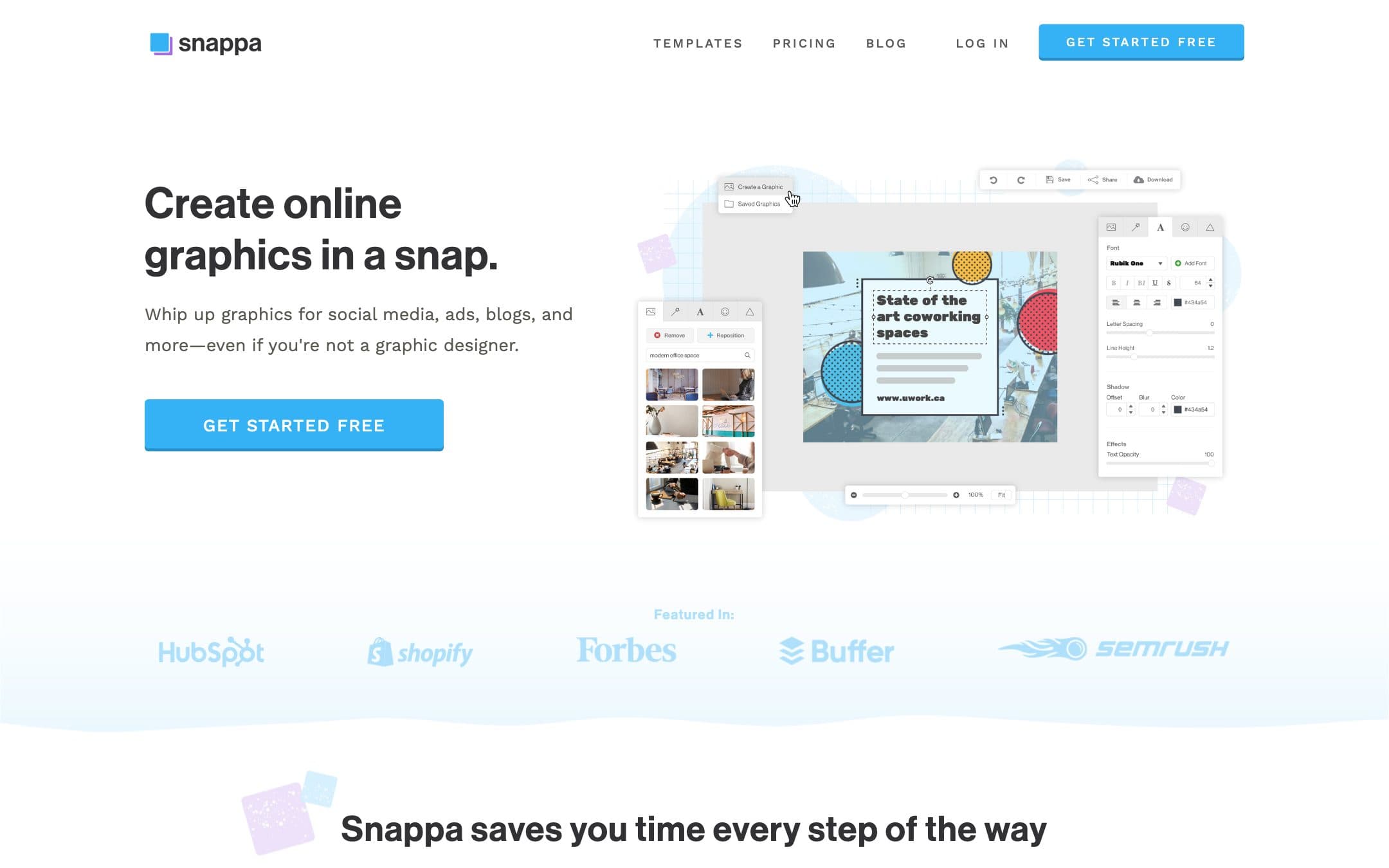
No video. No documents. No charts. No presentations. No AI generation of any kind, which in 2026 is either a relief or a disqualification and there is no middle position. Snappa makes social graphics, blog headers and ads from templates, and that is the list.
The integrations are Buffer and the social networks and effectively nothing else. There is no desktop app and Snappa says so plainly: it runs in the cloud with nothing to install.
Judged as a design tool in 2026 that is a thin offering. Judged as a way to make one social graphic, the narrowness is the point: there is nothing else in the way. That is a reading of what the product does, not a timed comparison, because we ran none.
Who should buy it
Use the free plan if you need three images a month or fewer. The only condition on the grant is that you keep the copyright notices in the content, and no other free tier here gives you the licence with so little attached to it. Export one image and look at it before you build anything on it, because Snappa has never published a watermark position either way.
Buy Pro if the three-download cap is the only thing stopping you, because at $120 it is competitively priced for what it does.
Do not buy it if you need anything beyond social graphics, where Canva does everything and costs half as much again. And weigh the nine year old terms yourself. They are short and we found nothing in them we would warn you about, which is not the same as an audit. A contract last revised in February 2017, on a product still selling in 2026, is a signal about how much attention the buyer-facing side gets.
Prices, licence terms and the document dates on this page were read from the vendor pricing page and terms and conditions on . We did not test the products in this comparison and we were not able to complete a signup.