

It used to be Le Chat, and the rename changed the job as well as the name
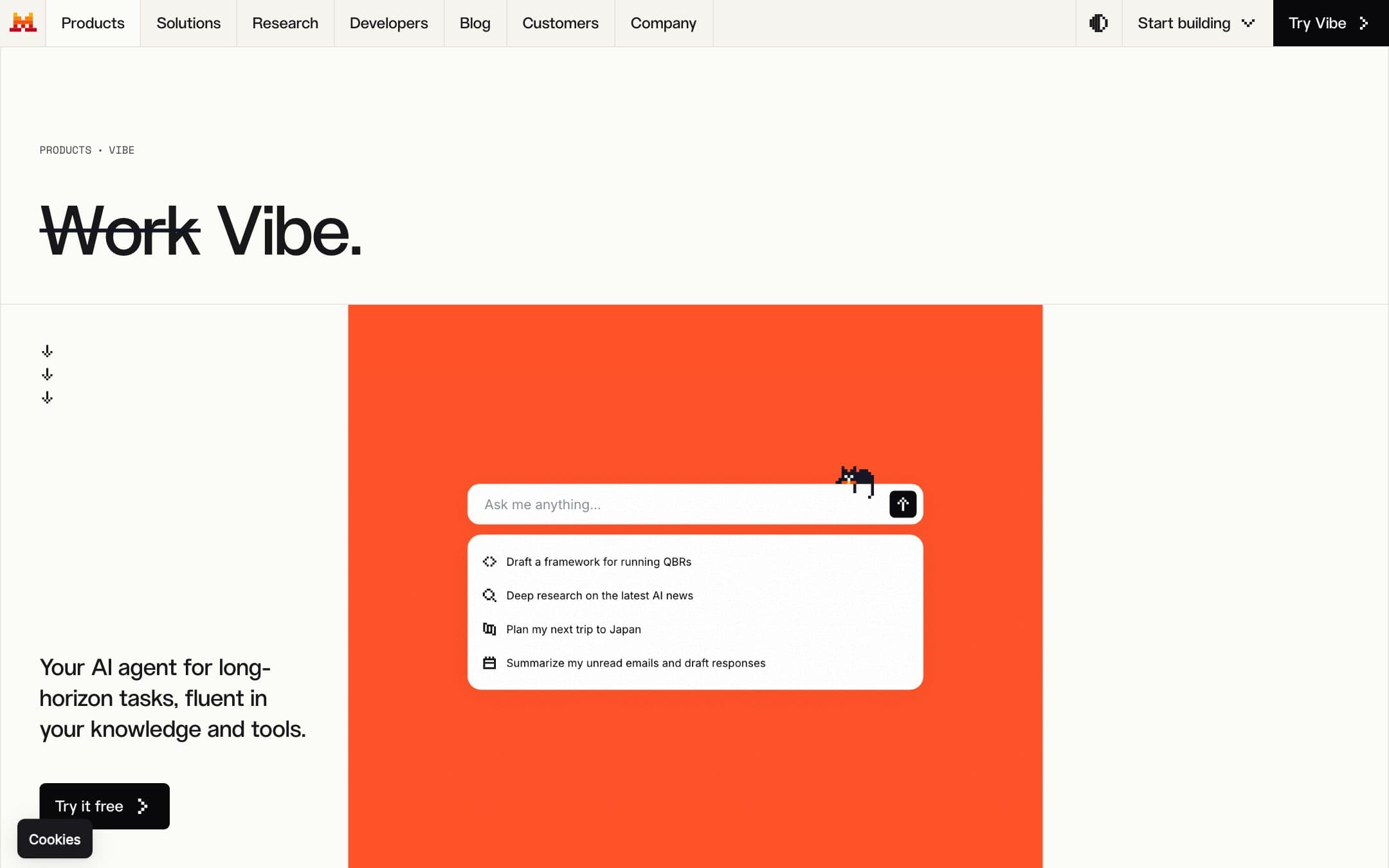
If you came here after using something called Le Chat, you are in the right place. Mistral renamed the product to Vibe and repositioned it from a chat assistant towards agentic work, with a coding surface that runs in a CLI, in VS Code and in JetBrains alongside the web app.
That is worth establishing before anything else, because most of the writing about this product still carries the old name, and a reader who cannot tell whether they are reading about the current version cannot act on any of it. The underlying product line is the same one. The scope is wider.
Fifteen dollars, with thirty dollars of API credits inside it
Pro is $14.99 per month, five dollars under the twenty dollar shelf that ChatGPT, Gemini and Perplexity all sit on. Team is $24.99 per user with a fifty dollar monthly floor, so the team plan does not make sense below two people. Verified students pay a discounted rate for up to twelve months. Enterprise is quote only.
The line worth pausing on is not the headline price. Every plan bundles API credits: ten dollars a month on the free tier and thirty on Pro. Nothing else in this category does that. On ChatGPT and Claude, no subscription at any price includes API access, and the developer bill is entirely separate.
So if you both chat with an assistant and build against a model, Pro is doing two jobs for less than either competitor charges for one. If you do not build, thirty dollars of credits is a number you will never spend, and the honest comparison is fifteen dollars against twenty for a less capable assistant.
The training default runs backwards here, which is good news only if you pay
Almost every vendor in this category trains on consumer conversations by default and stops when you pay enough. Mistral does the same thing, and the shape catches people out.
Vibe's free mode uses your conversations for training by default, with a control in your account to object to it. Pro, Team, Enterprise and the API are not used for training by default, with nothing to switch.
Read that twice if the reason you are here is privacy. The tier a privacy-minded reader is most likely to try first is the one tier that trains on them, where Microsoft Copilot does not train on prompts on any tier including its free one. The fifteen dollars is not only buying capability, it is buying the default.
What Zero Data Retention does not cover
Mistral publishes a Zero Data Retention arrangement, and its scope is narrower than the name suggests. It applies to the stateless API endpoints only, never to Vibe conversations, and it has to be requested and approved rather than switched on.
That is a real gap for exactly the buyer this product attracts. If you came for European data handling you get GDPR rights, SOC 2 Type II, ISO 27001 and 27701, reports through Mistral's trust centre, and a paid tier excluded from training. You do not get zero retention on the thing you actually type into.
One more piece of precision the marketing does not offer: Mistral states that it prioritises providers inside the European Union, not that your data stays there. Priority is not a guarantee, and a compliance team will want the difference in writing.
Where the American assistants still win
Vibe scores 7.6 and the gap to the leaders is capability, not price. There is no agentic desktop worker here and no deep research tool of the kind Google and OpenAI ship, and the coding work that justifies Pro lives in a terminal or an IDE rather than in the chat window. The connector set is broad, with more than a hundred connectors and full MCP support, though Mistral does not publish the itemised list.
No plan states a message, search or coding session limit as a number. That is the same failing as everyone else in the category, and it is worth knowing that the free-tier figures circulating in third-party reviews appear on no Mistral page.
If breadth is what you want for the money, Gemini at $19.99 carries more. If the work is code, Claude includes more agent, though not for less: Claude Pro costs more than this on either billing cycle.
Who should stay free, and what it costs them
This is the best free plan in our assistant comparison, and it earns that on what happens next rather than on its size. Ten dollars a month of API credits, a vendor with published certifications, and a paid step that is cheaper than the alternatives if you outgrow it.
The price of staying free is the training default, which is the one criterion we weight under how we rate that a free tier can actively work against. Use it for anything you would say out loud, and move to Pro for anything else.
Prices, limits and data terms on this page were checked against the vendor pricing page, documentation and privacy policy on .


