

The cheapest working plan in the category
$7 a user a month billed annually, which for ten people over twelve months is $840. The next cheapest plan in our comparison that can run a project is $1,200, and the dearest is $1,440. ClickUp wins the arithmetic by $360 and it is not close.
It scores 8.0 under how we rate and it is our Best Value pick. Two things sit under that, and neither is the one people expect.
Uses, not plans
ClickUp gates some paid features by a number of uses rather than by plan, which is unusual enough that it needs explaining before any price comparison means anything.
On the Unlimited plan we are pricing, the Gantt view is unlimited. The Timeline view is a hundred uses. On the free plan both are sixty uses each. ClickUp is straight about the mechanic:
"When you reach a use limit, you won't lose any data, but you won't be able to edit or create new items with that feature."
So a plan can carry a feature in the comparison table and still stop letting you use it. Our anchor asks for a timeline or a Gantt as a real view, and Unlimited clears it on Gantt and does not clear it on Timeline. If Timeline specifically is the view your team lives in, the plan you want is Business at $12 a user, which is $1,440 for ten people and puts ClickUp level with monday.com.
The hundred dollars
From ClickUp's own terms of service:
"IN NO EVENT WILL THE CLICKUP PARTIES TOTAL LIABILITY TO YOU FOR ALL DAMAGES ... EXCEED ONE HUNDRED UNITED STATES DOLLARS ($100.00)."
A team of ten paying $840 a year has capped ClickUp's exposure at roughly six weeks of its own subscription. Liability caps are normal in software and this one is unusually low, and it sits oddly beside a compliance page listing SOC 1, SOC 2 Type 2, SOC 3, ISO 27001, 27017, 27018, 27701 and ISO 42001 for AI management, which is a more complete set than Basecamp or Wrike can show.
Alongside it: no uptime commitment at any tier. There is a public status page, and the terms provide the service on an as is, as available and with all faults basis with no percentage anywhere. Asana and monday.com both publish one, Enterprise-only.
The best free plan of the paid tools
Free Forever carries unlimited members and unlimited guests at no charge, and unlimited tasks. Trello caps a free workspace at ten collaborators, Notion caps blocks, Asana caps free at two seats, and Basecamp at five users and one project. Only Wrike matches ClickUp on headcount, and Wrike Free has no automation rules at all.
The wall you hit instead is storage, at 60 MB, and the use counts: 100 automation actions a month, five active automations, sixty uses each of Gantt and Timeline. It is a real plan for a team that mostly writes tasks and attaches little.
On the paid tiers, guests are metered rather than free: five guest seats for a one user workspace plus two for each additional paid user, so a ten person Unlimited workspace has twenty three, with unlimited read-only guests on top.
The cost of the breadth
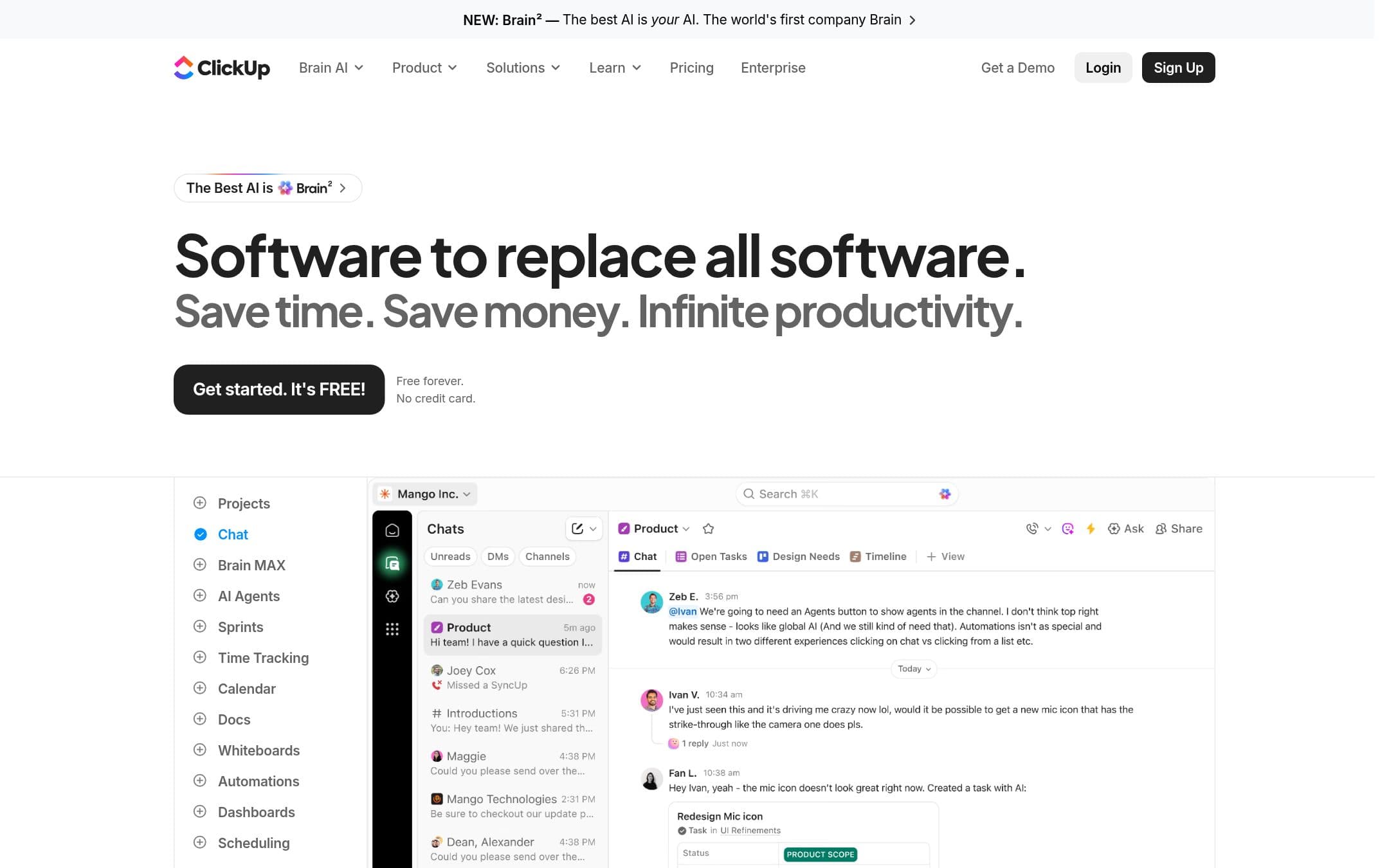
Docs, whiteboards, sprints, goals, time tracking and dashboards in one product, and the pitch is explicit about why: "Software to replace all software". It is the widest feature set here by a distance.
It is also the most to learn. Spaces, Folders, Lists and Tasks is a hierarchy you have to decide on before the first task is written, and every surface offers more settings than a new user needs. That is what the usability score is reacting to. It rates how much a new user has to decide before the tool is useful, read off the documentation rather than off a stopwatch.
Export is mixed: docs come out as PDF, HTML or Markdown, a task export carries fields, comments and attachment hyperlinks rather than the files, and List and Table export is a Business feature.
Who should buy it
Buy Unlimited if the bill matters and your team will use Gantt rather than Timeline. Eight hundred and forty dollars for ten people is the best number on this page by a wide margin, and the feature set above it is the widest.
Start on Free Forever if you are not sure. Unlimited members and unlimited guests means you can put the whole team and the client in it and find out.
Do not buy it if your procurement asks for an uptime commitment, because there is not one, or if the $100 liability cap is a problem for the work you do. And do not expect to be productive on the first afternoon.
Prices, use limits, automation allowances and the liability cap on this page were read from the vendor pricing page, help centre, security page and terms of service on . We did not test the products in this comparison.


