
Skip to content
Top 4 Picks
Four picks. One of them is yours.

Trello review

The best free plan for a small team, from the one product here with no contractual uptime.

BRecommended with a reservation

The verdict

The easiest tool here and the best free plan, from the only product in the set with no contractual uptime.

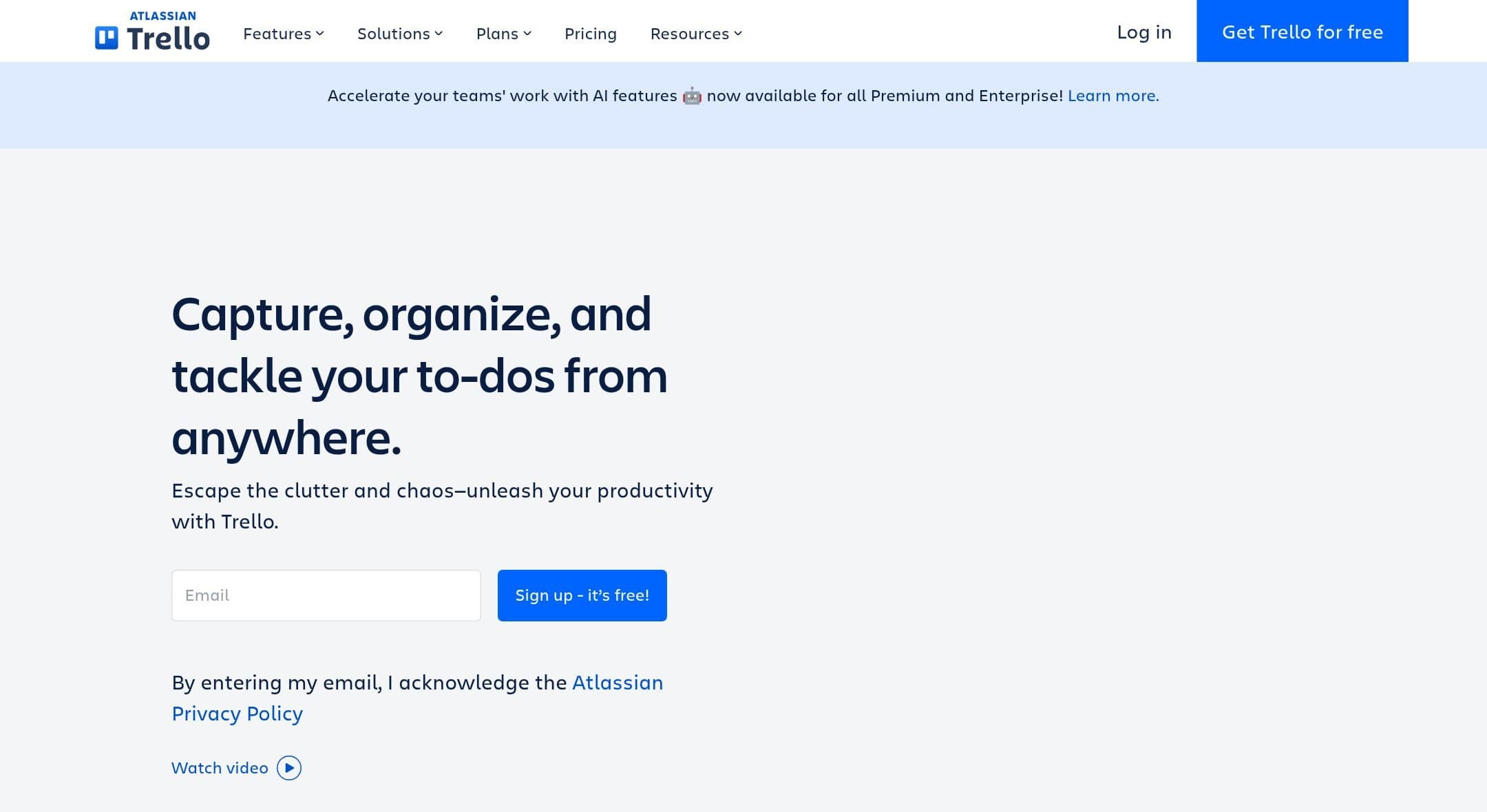
Trello homepage with the headline "Capture, organize, and tackle your to-dos from anywhere" and an email signup field. Cropped above the fold.
The Trello homepage as it looked on 1 September 2026.

How the 7.4 is built

Score breakdown for trello, criteria set Software and apps
CriterionWeightScore
Capability

Boards, cards and Butler, done better than anyone. What it does not have is the rest of a project manager: no dependencies, no resource management, no workload view, and Timeline only from the second paid tier.

30%6.5
Usability

The lowest floor in the comparison. A new user understands a Trello board in about a minute without being asked to design a hierarchy first, and that is the whole product.

20%9.0
Value

Twelve hundred dollars for ten people for a year is mid-table, and the free plan is the only one here a small team could actually sit on: ten boards, unlimited cards and 250 automation runs a month.

20%8.0
Integrations

Power-Ups are unlimited per board from the free plan, the catalogue is large, and the REST API is well documented and stable.

10%8.0
Support

The Atlassian help centre, which is thorough and occasionally out of date: the billing article’s own link to the downgrade page returns a 404.

10%6.5
Trust

Trello is absent from the eligible product list for Atlassian’s contractual cloud SLA while its own enterprise page promises 99.99 percent uptime, and its trust page still cites a 2018 uptime figure in 2026. SAML sits outside both paid prices, in a separate subscription whose list price rises on 13 October 2026.

10%5.5
Weighted total100%7.4

Pros and cons

What works

  • The most usable free plan here for a small team, at ten boards and 250 automation runs a month
  • The clearest pricing page of the seven, with both billing cycles and the currency printed
  • Unlimited Butler automation runs on Premium
  • Single-board guests are free and unlimited on paid workspaces

What does not

  • Not covered by Atlassian’s contractual cloud SLA, while its own marketing promises 99.99 percent
  • SAML SSO needs a separate Atlassian Guard subscription from $4 a user a month
  • The CSV export drops comments, and attachments only come out if you ask for them
  • No dependencies, no resource management and Timeline only from Premium

What Trello costs

From $5 per month · free tier available

Trello pricing tiers
PlanMonthlyAnnual, per monthWhat you get
PremiumPer user, no minimum or maximum published$12.50$10Timeline, Calendar, Table, Dashboard and Map views · Unlimited Butler automation runs · CSV as well as JSON export across every board in the workspace
StandardPer user$6$5Unlimited boards, 1,000 Butler runs a month · Advanced checklists and custom fields · No Timeline view
FreeUp to 10 collaborators per workspace$0Unlimited cards, up to 10 boards per workspace, unlimited Power-Ups per board · 250 Butler command runs a month, which is a real allowance rather than a token · Unlimited storage at 10 MB per file
Enterprise50 seats or more, with a $10,000 minimum spendNot published$17.50The only annual total Trello prints, at $210 per user a year · Includes Atlassian Guard Standard, which is how SAML SSO arrives · Unreachable below fifty seats, which Trello states as the floor

The clearest pricing page of the seven: both billing cycles are printed beside each plan with the currency named, Standard at $5 a user a month billed annually or $6 monthly, Premium at $10 or $12.50, and Enterprise as the only annual total printed in visible copy anywhere in this comparison, at $210 per user a year. No minimum or maximum seat count is published for Standard or Premium, and the page describes them as designed for teams of one upward. Two things sit behind the headline. Enterprise carries a floor Trello states on its own product page, fifty seats and a ten thousand dollar minimum spend, so the $17.50 rate is unreachable for a small team. The $10,000 threshold works out at roughly forty eight seats, below the fifty-seat floor, so the floor is what binds. And SAML SSO is not in either paid price: it arrives through Atlassian Guard, a separate subscription starting at $4 a user a month, whose list price Atlassian has announced will change on 13 October 2026.

Key specs

Trello key specifications
PlatformsWeb, macOS, Windows, iOS, Android
API access
Team features
Data export
GDPR
SOC 2
Mobile app
Support channelsHelp centre, Community, Email
Uptime SLANone. Trello is not on the eligible product list for Atlassian’s contractual cloud SLA, which covers Jira, Confluence, Bitbucket and four others
What happens when you stop payingRefunds within the first 30 days of upgrading. Moving from annual to monthly means cancelling and re-subscribing. No retention or deletion period is published, and the billing article’s own link to the downgrade page returns a 404
Cheapest working planPremium at $10 a user a month billed annually
Minimum seats and incrementsNone published for Standard or Premium. Enterprise requires 50 seats and a $10,000 minimum spend
Free guestsSingle-board guests are free and unlimited on paid workspaces. Multi-board guests are billable. Free workspaces are capped at 10 collaborators in total
Automation allowance250 Butler runs a month on Free, 1,000 on Standard, unlimited on Premium and Enterprise
Timeline or Gantt fromPremium, the second paid tier
StorageUnlimited storage. 10 MB per file on Free, 250 MB per file on Standard and above
Export formatsJSON on every plan. CSV on Premium workspaces, and whole-workspace export on Premium
What the export containsJSON carries the 1,000 most recent actions including comments. CSV does not include comments. Attachments come out as a zip only if you tick Include raw attachments, otherwise the export links back to Trello
SAML SSO fromNot in the Standard or Premium price. Atlassian Guard is a separate subscription from $4 a user a month, or Enterprise, which includes Guard Standard

Who it is for

Best for

  • A small team that wants a board and nothing else to learn
  • Anyone who wants to run free for a year and then decide

Not for

  • Work with dependencies, resourcing or a real critical path
  • Anyone who needs an uptime commitment in a contract

In more detail

The free plan a small team can actually live on

Ten boards per workspace, unlimited cards, unlimited Power-Ups per board, and 250 Butler automation runs a month. Not a trial, not a use count, not a two week window. A working plan, for up to ten collaborators, indefinitely.

Nothing else in our comparison offers that shape. Asana free is two seats. Notion free stops accepting new blocks. Basecamp free is one project. ClickUp and Wrike are more generous on headcount, with no published member limit on either free plan, and ClickUp hands you 60 MB of storage and sixty uses of Gantt instead.

Trello scores 7.4 under how we rate and it holds our free-plan pick.

What Premium adds, and what it still does not do

Standard is $5 a user a month billed annually and has no Timeline view, which is why our comparison prices Premium at $10, or $1,200 for ten people over a year. Premium brings Timeline, Calendar, Table, Dashboard and Map views and makes Butler runs unlimited.

The pricing page is the clearest of the seven. Both billing cycles are printed beside each plan, the currency is named, and Enterprise prints an annual total of $210 per user a year, which only Notion matches and only in its structured data rather than in its copy.

What Premium does not bring is the rest of a project manager. No dependencies. No resource management. No workload view. If two pieces of work block each other, Trello will let you write that in a card description and nowhere else. That is the honest boundary of the product, and it is where Wrike and Asana earn their prices.

The uptime promise that is not in a contract

Trello's enterprise page says: "With 99.99% uptime and industry-leading compliance certifications, we'll never leave you hanging." Its trust page adds that Trello "experienced 99.99% uptime in 2018", a figure still sitting there in 2026.

Atlassian's contractual cloud service level agreement covers Jira, Jira Service Management, Confluence, Bitbucket Cloud, Compass, Loom and Jira Product Discovery. Trello is not on that list.

We are not saying Trello is unreliable; by every public account it is not. We are saying the 99.99 percent is marketing copy rather than a term you could point at, and that a page promising it beside compliance certifications invites the opposite reading. Of the seven tools here, only Basecamp has no SLA and says so.

SAML is not in the price

If your organisation needs single sign-on, Trello Standard and Premium do not have it. SAML arrives through Atlassian Guard, a separate subscription starting at $4 a user a month, and Atlassian has announced that the list price of Guard Standard and Premium changes on 13 October 2026 for new purchases, renewals and upgrades.

Trello Enterprise includes Guard Standard at $17.50 a user a month, and carries a floor Trello states on its own product page: fifty seats and a $10,000 minimum spend. For a team of ten that rate does not exist.

Getting your data out

Better than Wrike, worse than Notion, with two traps.

JSON export works on every plan and carries the 1,000 most recent actions, which includes comments. CSV is a Premium feature and does not include comments at all. Attachments come out as a zip only if you tick "Include raw attachments" when you build the export; otherwise the file links back to Trello, which is not much use once you have left.

Trello also states plainly that neither format can be imported back to re-create a board, which is worth knowing before you treat an export as a backup.

Who should buy it

Use the free plan for as long as it fits, which for a small team is longer than you would think. Ten boards and 250 automation runs a month covers a lot of real work.

Buy Premium when you want the timeline and unlimited Butler, and know you are buying views rather than project management.

Do not buy it if your work has dependencies or you need to know who is over-allocated next month. Do not count on the 99.99 percent as a commitment. And if you need SAML, price Atlassian Guard on top before you compare Trello with anything.

Prices, plan contents, the export behaviour and the SLA product list on this page were read from the vendor pricing page, Trello trust page, Atlassian legal pages and Atlassian support documentation on . We did not test the products in this comparison.

Alternatives to Trello

Where Trello appears

Trello questions

How much is Trello for a team of ten?
Premium is $10 a user a month billed annually, so ten people for twelve months is $1,200. Standard is $5 but has no Timeline view. Billed monthly the rates are $12.50 and $6. Verified on 1 September 2026.
Is the Trello free plan good enough for a small team?
For a small one, yes, and it is the most usable free plan in our comparison. Unlimited cards, up to ten boards per workspace, unlimited Power-Ups and 250 Butler automation runs a month. The limit is ten collaborators, and going over turns the boards view-only.
Does Trello have an uptime guarantee?
Not a contractual one that we could find. Trello is not on the eligible product list for Atlassian’s cloud SLA, which names Jira, Confluence, Bitbucket and four others. Trello’s own enterprise page claims 99.99 percent uptime and its trust page still quotes a 2018 figure.
How do I get SAML SSO on Trello?
Not through the Standard or Premium price. SAML arrives through Atlassian Guard, a separate subscription starting at $4 a user a month, or through Trello Enterprise, which includes Guard Standard but requires fifty seats and a ten thousand dollar minimum spend.

Ready to try Trello?

The best free plan for a small team, from the one product here with no contractual uptime.

Sources