What eWebinar actually is
The first fact belongs in the first line, because every other page treats it as a footnote and it decides whether you should read any further: eWebinar does not run live webinars.
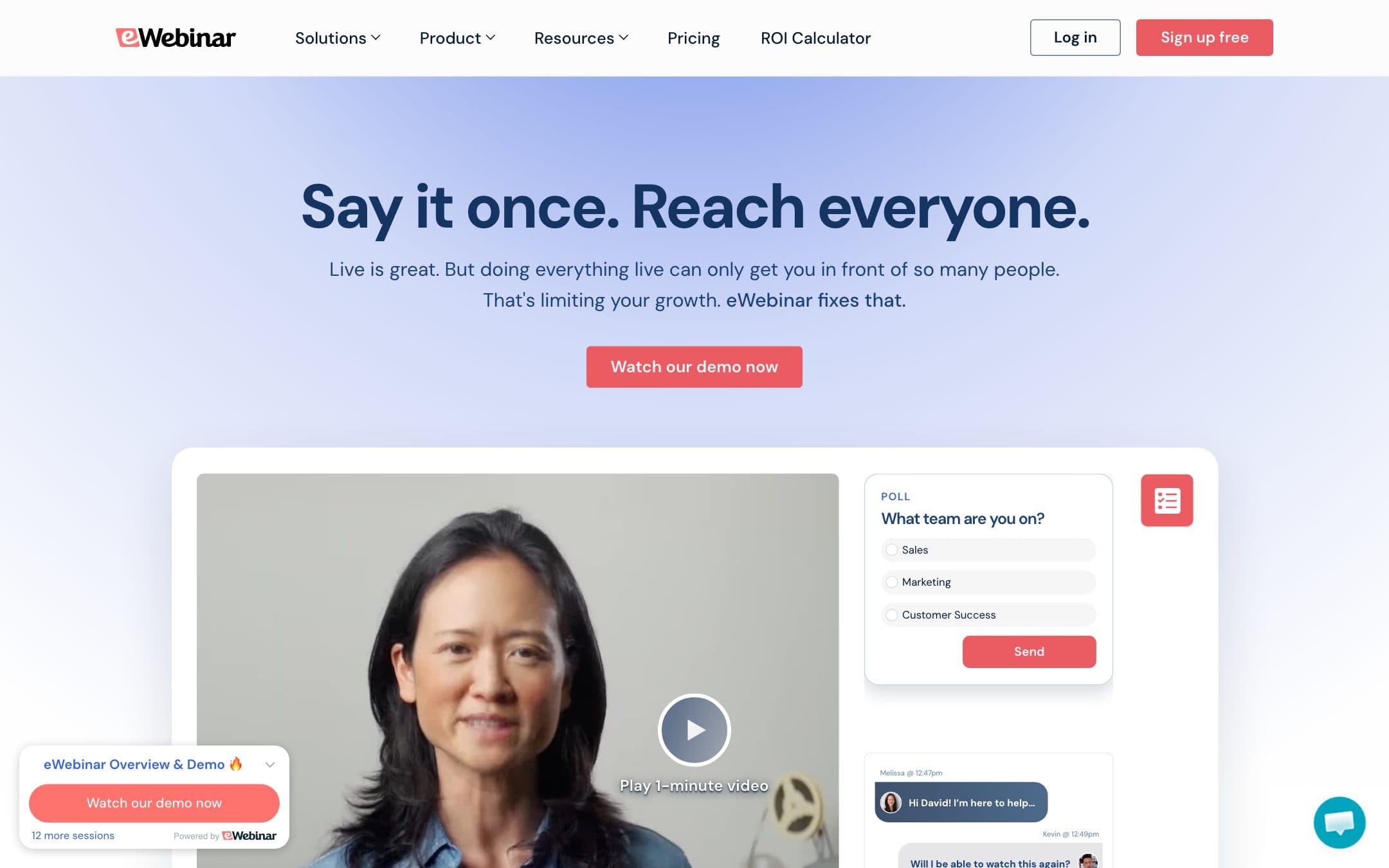
It takes a recording you already have and turns it into a webinar that behaves like a live one. Sessions run on a schedule you set, or on demand a few minutes after someone lands on the page. Chat messages, polls, offers and handouts fire at the timestamps you choose. Registration, reminder emails and follow-up sequences come with it. And a real person can step into the chat at any point and answer, which is the difference between an automated webinar that feels like a service and one that feels like a trick.
That is a narrow product, done properly. It scores 8.0 under how we rate and it is our Best for evergreen webinars pick in the webinar software comparison.
Why attendee count does not appear in the price
Every other tool here that sells live capacity prices on how many people can be in a room. eWebinar prices on how many automated webinars you are running and how many people register in a month. Attendee count never enters the calculation.
That makes our usual hundred attendee anchor inapplicable, and saying so is more honest than forcing a number. A session with a hundred attendees and a session with ten cost the same.
Level 1 is $99 a month, or $84.17 a month if you pay for the year at once, and covers one active webinar and a thousand registrants a month. Level 2 is $199 for five webinars and three thousand registrants, and Level 3 is $299 for fifteen webinars and five thousand registrants, with further webinars beyond that at fifteen dollars a month each.
The other structural difference: team members are unlimited on every plan, which in this comparison only Livestorm also does. In a category where Demio charges per host and GoTo sells organiser seats, that is a real advantage for anyone with a sales team who all want their own demo running.
What one active webinar buys, and when that is not enough
$99 a month for one webinar sounds steep, and whether it is depends entirely on what the webinar replaces.
If it replaces a demo that two people on your team deliver live eight times a month, it is cheap. If it replaces a customer onboarding session that you currently run because nobody has recorded it, it is very cheap. If it is a webinar you run twice a year, there is nothing for the monthly fee to amortise and you should not be buying a subscription for it.
The registrant ceilings are the limit to watch rather than the webinar count. A thousand registrants a month is comfortable for a niche product and tight for anything with real traffic, and the count is registrants rather than attendees, so a well-performing landing page eats it faster than the attendance figures suggest.
Setting one up is genuinely quick. You upload the recording, mark where the interactions go, connect the registration page, and the scheduling logic is already built. Compare that with rigging a live tool to behave as if it were automated, which is the alternative most people arrive from.
The honest limitation
eWebinar is a second tool, not a replacement.
If you also need to go live, and most marketing teams do at least occasionally, you are holding two subscriptions. That is the comparison that matters, and it is the reason WebinarJam is worth looking at even though it is a weaker product on this particular axis: from its Basic plan up it bundles EverWebinar, so live and evergreen come from one bill at $79 a month. Note the plan name. The cheaper $39 Starter plan has no automation at all. Demio unlocks automation on its Growth plan at $80, and also does live.
Set against those, eWebinar has to be worth roughly the price of a whole second platform on the strength of doing one half better. For a team whose evergreen webinar is a real revenue channel it comfortably is. For a team experimenting with the idea, it is not.
The fourteen day trial requires no plan choice and no sales call, which is the right way to settle this question.
Who should buy it
Buy eWebinar if you have a session you deliver repeatedly and want to stop: a product demo, an onboarding walkthrough, a training module, a partner briefing. Buy it if you have several people who each want their own automated session, because free team members make the per-person maths better than any of the per-host tools here. And buy it if the quality of an automated webinar matters to you, because the chat handover is the feature that keeps it from feeling deceptive. If you would rather have live and automated from one subscription, price it against EasyWebinar first.
Do not buy it as your only webinar tool. Do not buy it for an occasional event. And check the registrant ceiling against your actual traffic before choosing a level, because that is the limit you will hit first.
Plan prices, webinar counts and registrant limits on this page were read from the vendor pricing page on .